Source: https://solitair.ee/
Game Description
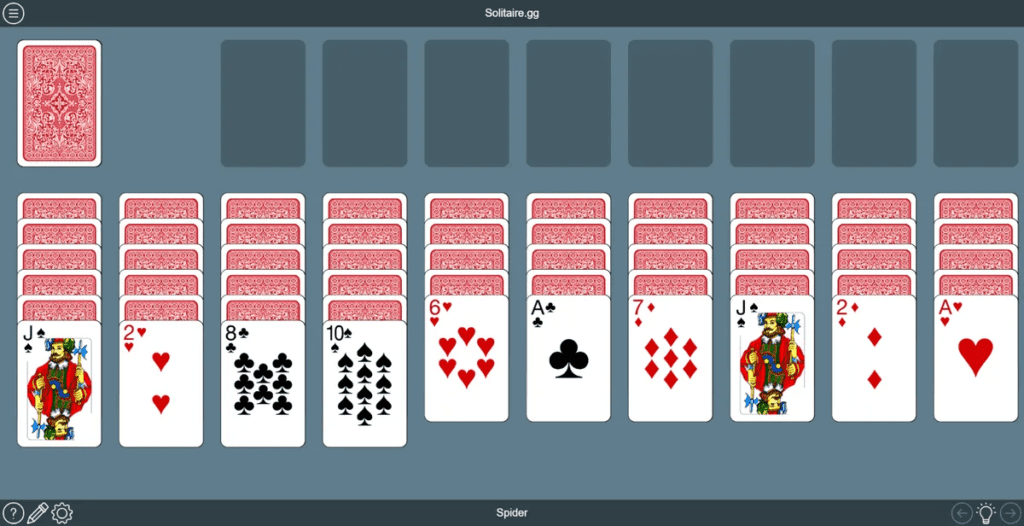
Google Solitaire is a classic and timeless card game that has been a source of entertainment for countless players over the years. Known for its simplicity and addictive gameplay, this digital version of the traditional solitaire card game offers a perfect way to pass the time and test your card-playing skills. Whether you’re a seasoned solitaire enthusiast or a newcomer to the game, Google Solitaire provides a familiar and enjoyable experience.
Game Controls
The controls for Google Solitaire are straightforward and user-friendly, making it accessible to players of all ages and skill levels:
- Mouse (PC and Mac): Use your mouse to click and drag cards to the desired location. Click on the deck to draw new cards or to move cards to the foundation piles.
- Touchscreen (Mobile Devices): On touchscreen devices such as smartphones and tablets, simply tap the cards you want to move and tap the destination where you want to place them. Tapping the deck draws new cards.
How to Play Google Solitaire?
Google Solitaire follows the standard rules of the classic solitaire card game. Here’s a step-by-step guide on how to play:
- Start the Game: Launch Google Solitaire by visiting the Google homepage and searching for “solitaire” in the search bar. Click on the game to begin.
- Card Layout: The game will deal a standard 52-card deck into seven tableau columns. The first column has one card, the second has two, and so on. The top card in each tableau column is face-up, and the rest are face-down.
- Goal: The objective of the game is to build four foundation piles, one for each suit (hearts, diamonds, clubs, and spades), starting with Ace and ending with King.
- Card Movement: You can move cards in descending order and alternating colors. For example, a black 7 can be placed on a red 8.
- Building Foundations: As you uncover Aces, place them in the foundation piles. You can then build on these foundation piles in ascending order.
- Tableau Columns: You can move sequences of cards in descending order within the tableau columns. An empty tableau column can be filled with a King or a sequence starting with a King.
- Drawing Cards: Click on the deck in the upper-left corner to draw one card at a time. You can go through the deck as many times as needed.
- Winning: The game is won when you have successfully built all four foundation piles, one for each suit, from Ace to King.
Tips and Tricks
To enhance your Google Solitaire skills and increase your chances of winning, consider the following tips:
- Plan Ahead: Think about the consequences of each move and plan several moves in advance to maximize your options.
- Empty Columns: Try to clear tableau columns as soon as possible to reveal face-down cards and create more opportunities for movement.
- Foundations First: Focus on building the foundation piles as early as possible to free up more cards.
- Uncovering Aces: Whenever possible, prioritize uncovering Aces and moving them to the foundation piles.
- Drawing Wisely: Be mindful when drawing new cards from the deck. Consider how each card can help you uncover face-down cards or build foundation piles.
Game Developer
The game is a digital version of the classic solitaire card game offered by Google. While the specific development team responsible for the game is not prominently credited, it is part of Google’s suite of entertaining features and games available to users.
Game Platforms
Google Solitaire is available on various platforms, making it easily accessible to a wide range of players:
- Web Browsers: You can play Google Solitaire directly from a web browser by searching for “solitaire” on the Google homepage.
- Mobile Devices (iOS and Android): The game is also available for mobile devices through web browsers, providing portable solitaire enjoyment.
Unblocked Version
Since Google Solitaire is a web-based game offered by Google itself, it is not subject to restrictions or blocking. You can enjoy the game directly from the Google homepage or by searching for “solitaire” on any web browser without encountering any unblocked issues.
Experience the classic card game of solitaire with Google Solitaire, a timeless and enjoyable pastime that’s just a click away. Whether you’re relaxing at home or taking a break at work, this digital version offers all the fun and challenges of the traditional card game right at your fingertips.